
WordPress 7.0 “Armstrong” has officially landed — and it’s one of the most significant WordPress releases in years! From a modernised admin dashboard to a native AI framework and powerful new developer APIs, WordPress 7.0 marks a new chapter for the world’s most popular CMS.
Here at BuddyDevelopers, the moment a major WordPress release drops, our first priority is to make sure all our plugins are fully tested and compatible. We’re happy to confirm: Buddy Notification Bell has been tested and updated for WordPress 7.0 — you can update with confidence.
What’s New in WordPress 7.0?
WordPress 7.0 is a major release that merges improvements from Gutenberg plugin versions 22.0 through 22.6 into core. Here’s a quick rundown of what’s new:
- 🎨 Refreshed Admin Interface — A modern, cleaner dashboard UI that improves comfort for everyday WordPress users.
- 🤖 Native WP AI Client — A unified AI framework that lets plugins and themes connect to external AI models without each needing separate API key management.
- 📊 DataViews for Content Management — A smarter, more flexible way to browse and manage your posts, pages, and custom post types.
- 🧩 PHP-Only Blocks — Developers can now build blocks without React, opening the door to simpler, server-rendered block creation.
- 🔁 Visual Revisions — A visual comparison tool to review changes between versions of a page or post.
- ⚙️ New Developer APIs — Expanded tooling for plugin and theme developers, including the new Abilities API and AI Connectors framework.
- 🛡️ PHP 7.4 Minimum — PHP 7.2 and 7.3 are no longer supported. PHP 8.2+ is recommended for best performance.
Note: Real-time collaborative editing was originally planned for 7.0 but has been postponed to WordPress 7.1. It will allow multiple users to edit the same post simultaneously — stay tuned!
Official WordPress 7.0 Resources
📌 WordPress 7.0 Announcement (WordPress.org News) — Official release post
📌 WordPress 7.0 Release Candidate 4 — WordPress.org News — Final RC notes & Field Guide
📌 WordPress 7.0 Developer Notes — developer.wordpress.org — Technical overview for developers
📌 WordPress 7.0 Release Party Schedule — Make WordPress Core — Full release timeline and milestones
Buddy Notification Bell — Tested & Compatible with WordPress 7.0
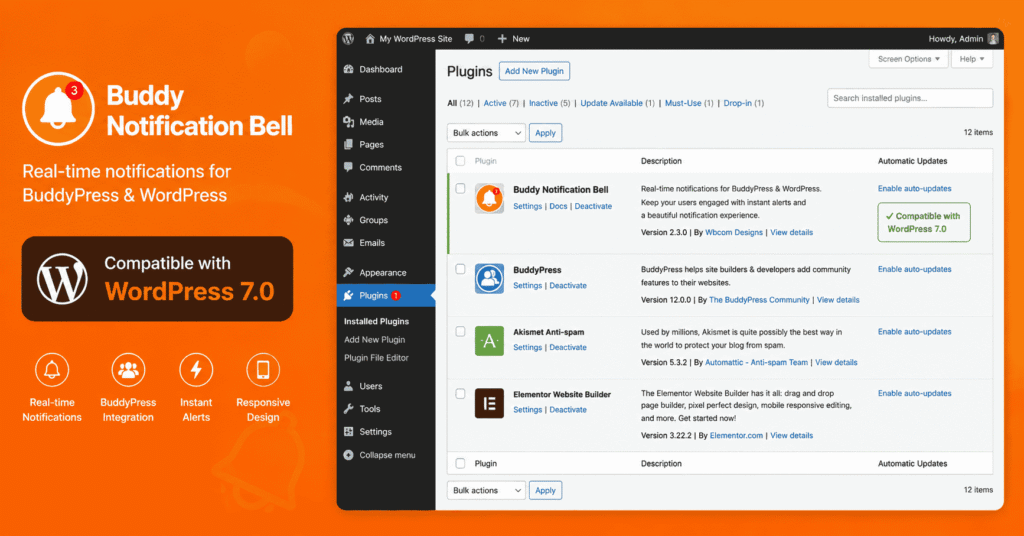
We’re pleased to confirm that Buddy Notification Bell has been fully tested against WordPress 7.0 and is compatible. We’ve reviewed all core hooks, REST API calls, and BuddyPress/BuddyBoss integration points — everything works as expected.
If you’re running the latest version of the plugin, simply update WordPress and you’re good to go. No additional changes are required on your end.
What is Buddy Notification Bell?
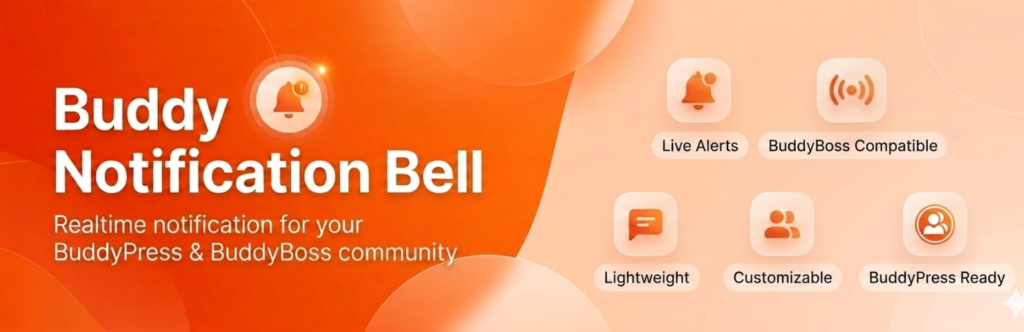
Buddy Notification Bell is a powerful plugin that adds a real-time notification bell to your BuddyPress or BuddyBoss-powered community site. It keeps your members engaged and informed without leaving the site.
Key Features:
- 🔔 Real-time notification bell in the BuddyPress/BuddyBoss member bar
- ⚡ AJAX-powered — notifications load without page refresh
- 🎛️ Fully customisable notification types — activities, messages, friend requests, and more
- 📱 Mobile-friendly and responsive design
- 🔧 Easy configuration from the WordPress admin panel
- ✅ Compatible with BuddyPress and BuddyBoss Platform
Watch: Buddy Notification Bell in Action
We’ve also put together a detailed video tutorial showing exactly how to set up and configure Buddy Notification Bell on your BuddyPress or BuddyBoss site. Check it out below:
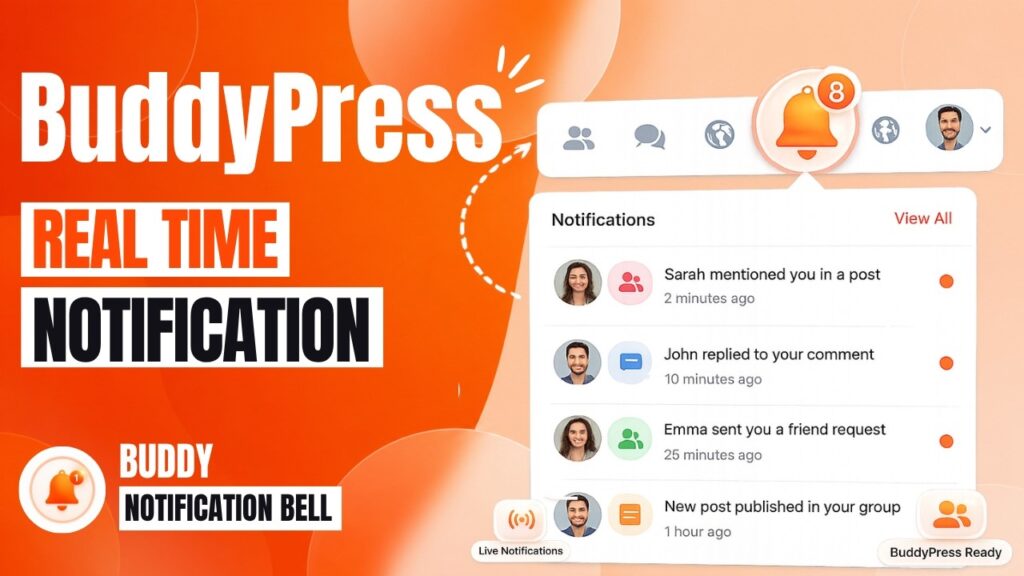
▶ Watch the Buddy Notification Bell Tutorial on YouTube
Compatibility at a Glance
Plugin Version Tested: [version 2.0.2]
WordPress 7.0: ✅ Fully Compatible
BuddyPress: ✅ Compatible
BuddyBoss Platform: ✅ Compatible
PHP Minimum: 7.4 (8.2+ Recommended)
How to Update
Updating is simple. Before you begin, always back up your site.
Step 1: Back up your site (database + files).
Step 2: Test the update on a staging environment first, especially if you have a complex setup.
Step 3: Navigate to Dashboard → Updates in your WordPress admin and update to WordPress 7.0.
Step 4: Make sure Buddy Notification Bell is on the latest version — update from Dashboard → Plugins if needed.
Further Reading & Resources
🔗 WordPress 7.0 Official Release Post — WordPress.org
🔗 WordPress 7.0 Release Candidate 4 Notes — WordPress.org
🔗 WordPress 7.0 Developer Field Guide — developer.wordpress.org
🔗 WordPress 7.0 Release Party & Full Schedule — Make WordPress Core
🔗 Buddy Notification Bell Video Tutorial — YouTube (BuddyDevelopers)
Have Questions or Feedback?
If you run into any issues after updating to WordPress 7.0, or if you have questions about Buddy Notification Bell, feel free to reach out — we’re here to help!
Drop a comment below, or visit our BuddyDevelopers YouTube Channel for more tutorials on BuddyPress, BuddyBoss, and community website development.
Leave a Reply
You must be logged in to post a comment.